
Fancy Text Generator: Create Stylish Fonts for Copy and Paste
Turn ordinary words into stylish, decorative Unicode text that you can copy and paste into social media profiles, usernames, captions, messages, websites and more.
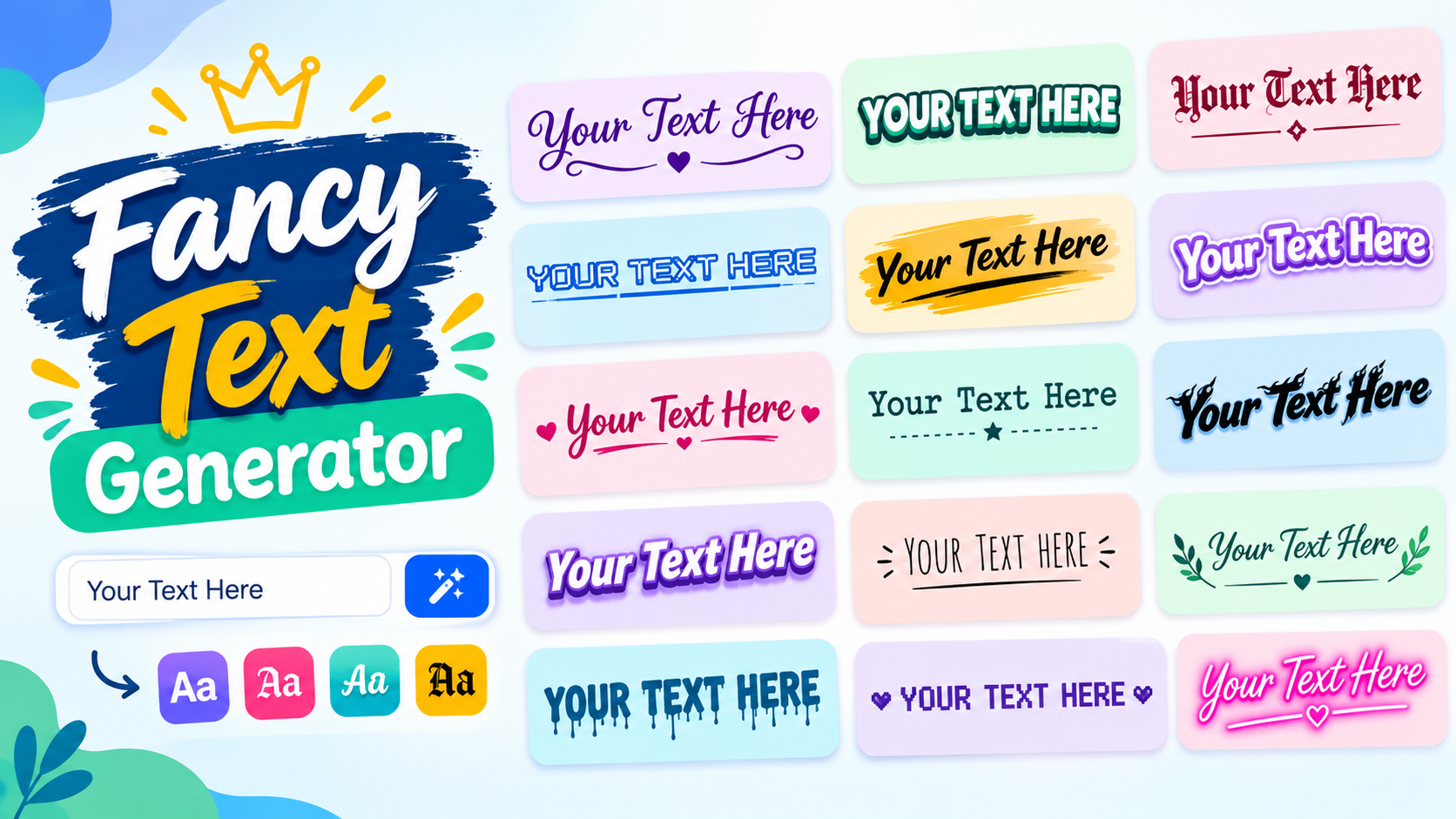
Create Fancy Text Online — Type, Choose, Copy
Type your words in the generator below, explore the available styles, and copy the version you like. No design software or font installation is required for the Unicode styles supported by your device.
Pick Style
A fancy text generator converts words to text that you can then copy and paste anywhere. A text generator helps you to select from several fonts as the names of your social media profiles, usernames, captions, messages and posts become more impressive. If you love letters, script, Gothic fonts or bubble text a fancy text generator has styles to suit any need.
Stylish text helps a fancy text generator show your personality. It makes your words stand out. You don’t need design skills or expensive software to create text. Just type your words. Pick a style with a text generator. Then copy the result.
In this guide you will learn how a fancy text generator works. You will explore font styles. You will discover how to use them on media, websites and messaging apps. You will also find examples and answers to questions.
What Is a Fancy Text Generator?
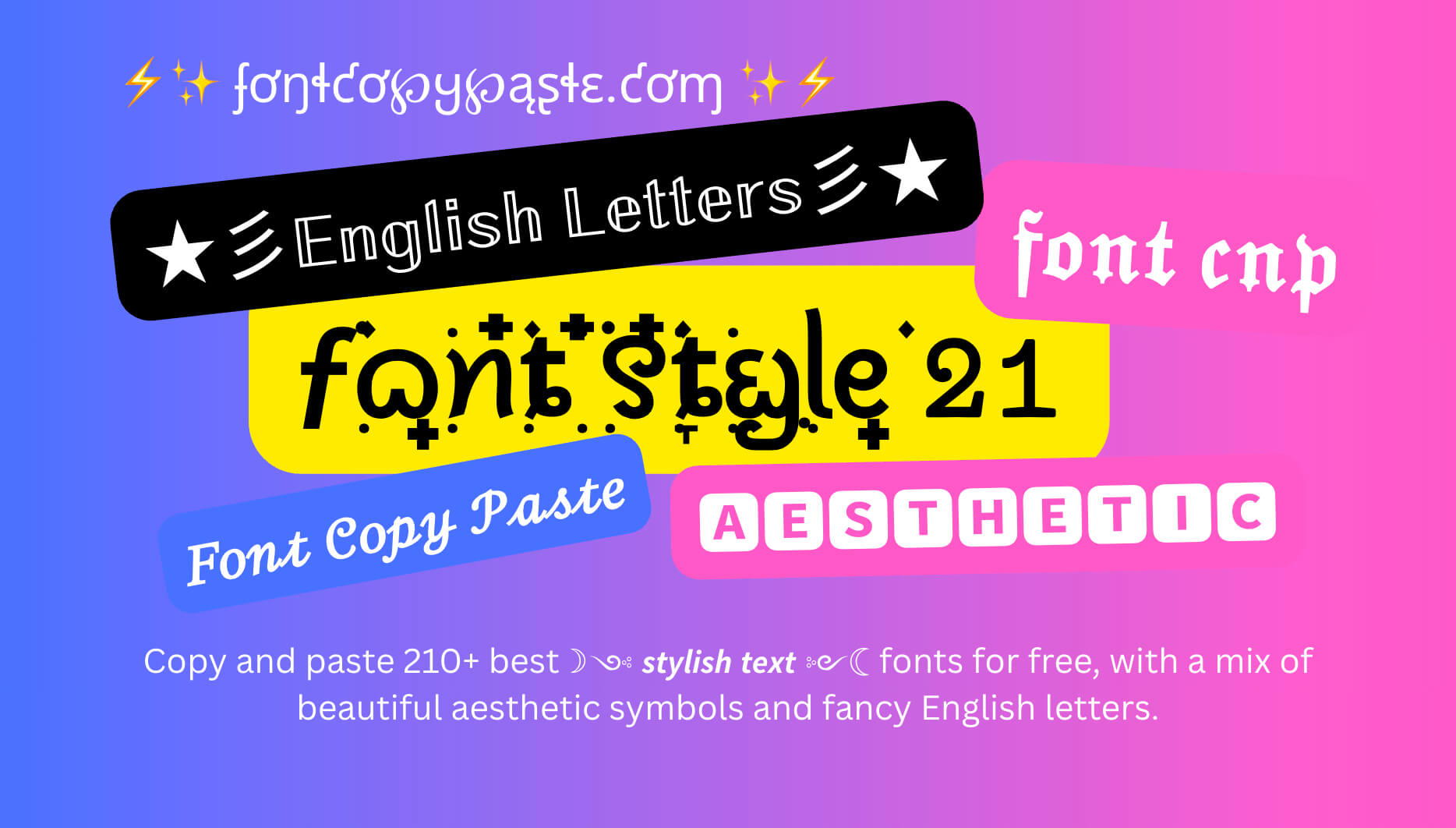
A fancy text generator is a tool that changes letters into decorative Unicode characters. It creates text styles, like bold, cursive, Gothic and outlined letters. You can copy these designs. Paste them into apps and websites.
For example a fancy text generator can change the text "Fancy Text" into attractive styles.
| Style | Example |
|---|---|
| Normal | Fancy Text |
| Italic | 𝐹𝑎𝑛𝑐𝑦 𝑇𝑒𝑥𝑡 |
| Bold Italic | 𝑭𝒂𝒏𝒄𝒚 𝑻𝒆𝒙𝒕 |
| Script | ℱ𝒶𝓃𝒸𝓎 𝒯ℯ𝓍𝓉 |
| Bold Script | 𝓕𝓪𝓷𝓬𝔂 𝓣𝓮𝔁𝓽 |
| Gothic | 𝔉𝔞𝔫𝔠𝔂 𝔗𝔢𝔵𝔱 |
| Outline | 𝔽𝕒𝕟𝕔𝕪 𝕋𝕖𝕩𝕥 |
| Sans | 𝖥𝖺𝗇𝖼𝗒 𝖳𝖾𝗑𝗍 |
| Sans Bold | 𝗙𝗮𝗻𝗰𝘆 𝗧𝗲𝘅𝘁 |
| Sans Italic | 𝘍𝘢𝘯𝘤𝘺 𝘛𝘦𝘹𝘵 |
| Typewriter | 𝙵𝚊𝚗𝚌𝚢 𝚃𝚎𝚡𝚝 |
| Vaporwave | Fancy Text |
| Bubbles | Ⓕⓐⓝⓒⓨ Ⓣⓔⓧⓣ |
| Squares | 🄵🄰🄽🄲🅈 🅃🄴🅇🅃 |
These styles give ordinary words a different appearance. You can select a design that matches your mood, personality, or purpose.
How Does a Fancy Text Generator Work?
Fancy text tool makes use of unique Unicode characters to create different version styles. Unicode is an international standard that enables computers and smart devices to display characters from numerous languages and writing systems.
The tool compares all letters in the word you enter with decorative characters already available. Next, it shows you alternative versions of your writing. You simply copy your favorite version and paste it into a supported app.
For example, typing "Hello" may produce these results:
| Font Style | Example |
|---|---|
| Normal | Hello |
| Italic | 𝐻𝑒𝑙𝑙𝑜 |
| Bold | 𝐇𝐞𝐥𝐥𝐨 |
| Script | ℋℯ𝓁𝓁ℴ |
| Gothic | ℌ𝔢𝔩𝔩𝔬 |
| Bubble | Ⓗⓔⓛⓛⓞ |
| Monospace | 𝙷𝚎𝚕𝚕𝚘 |
| Sans Bold | 𝗛𝗲𝗹𝗹𝗼 |
The tool does not need to install a new font on your device. Instead, it uses characters that many modern devices already support. However, some apps and older devices may not display every style correctly.
Popular Fancy Text Styles You Can Try
Different text styles suit different purposes. Some look elegant, while others create a bold or playful appearance. Here are several popular options you can explore.
| Number | Style Name | Fancy Text |
|---|---|---|
| 1 | Royal Frame | ♛『Fancy Text』♛ |
| 2 | Heart Frame | ♡「Fancy Text」♡ |
| 3 | Flower Frame | ❀『Fancy Text』❀ |
| 4 | Diamond Frame | ◆【Fancy Text】◆ |
| 5 | Arrow Frame | ➤「Fancy Text」➤ |
| 6 | Wave Frame | 〜 Fancy Text 〜 |
| 7 | Double Star Frame | ✦★ Fancy Text ★✦ |
| 8 | Sparkle Frame | ✨『Fancy Text』✨ |
| 9 | Cute Style | ꒰ Fancy Text ꒱ |
| 10 | Soft Brackets | ૮ Fancy Text ა |
| 11 | Japanese Style | 【Fancy Text】 |
| 12 | Fullwidth Brackets | 「Fancy Text」 |
| 13 | Decorative Circle | ◌ Fancy Text ◌ |
| 14 | Small Circle | ∘ Fancy Text ∘ |
| 15 | Black Diamond | ◆Fancy Text◆ |
| 16 | White Diamond | ◇ Fancy Text ◇ |
| 17 | Black Heart | ♥Fancy Text♥ |
| 18 | White Heart | ♡Fancy Text♡ |
| 19 | Star Separator | F✦a✦n✦c✦y T✦e✦x✦t |
| 20 | Dot Separator | F•a•n•c•y T•e•x•t |
| 21 | Heart Separator | F♡a♡n♡c♡y T♡e♡x♡t |
| 22 | Diamond Separator | F◆a◆n◆c◆y T◆e◆x◆t |
| 23 | Circle Separator | F○a○n○c○y T○e○x○t |
| 24 | Square Separator | F▪a▪n▪c▪y T▪e▪x▪t |
| 25 | Wave Separator | F~a~n~c~y T~e~x~t |
| 26 | Cross Separator | F×a×n×c×y T×e×x×t |
| 27 | Vertical Separator | F│a│n│c│y T│e│x│t |
| 28 | Bubbles | Ⓕⓐⓝⓒⓨ Ⓣⓔⓧⓣ |
| 29 | Negative Circles | 🅵🅰🅽🅲🆈 🆃🅴🆇🆃 |
| 30 | Squared | 🄵🄰🄽🄲🅈 🅃🄴🅇🅃 |
| 31 | Small Caps | ꜰᴀɴᴄʏ ᴛᴇxᴛ |
| 32 | Superscript | ᶠᵃⁿᶜʸ ᵀᵉˣᵗ |
| 33 | Subscript | ₊ₐₙ꜀ᵧ ₜₑₓₜ |
| 34 | Fullwidth | FANCY TEXT |
| 35 | Circled Letters | Ⓕⓐⓝⓒⓨ Ⓣⓔⓧⓣ |
| 36 | Parenthesized | ⒡⒜⒩⒞⒴ ⒯⒠⒳⒯ |
| 37 | Underlined | F̲a̲n̲c̲y̲ T̲e̲x̲t̲ |
Some designs use combining marks or special characters rather than separate Unicode letters. These styles may not display equally well on every device. You should test your preferred design before using it in an important profile or message.
How to Use a Fancy Text Generator
Creating stylish text usually takes only a few steps. You do not need design experience or special software.
Enter Your Text
Open an online text generator and find its input box. Type the word, name, sentence, or phrase you want to decorate. For example, you can enter your name, a favorite quote, or a short Instagram caption. Start with a short phrase if you want to compare several styles easily.
Explore Different Styles
The tool will show different versions of your text. Browse the available designs and compare their appearance. Try italic, bold, script, Gothic, bubble, and other styles. Choose the one that fits your needs and remains easy to read.
Copy Your Favorite Design
Once you find a suitable style, use the copy button if the tool provides one. Some tools may also let you select the text and copy it manually. You can then keep the copied text on your clipboard. There is no need to download a font or install an additional application.
Paste and Share
Open the app or website where you want to use your text. Paste your copied design into your Instagram bio, Facebook post, WhatsApp message, or another supported field. Check how the text looks before publishing it. Some platforms may replace unsupported characters with empty boxes or question marks.
Where Can You Use Fancy Text?
Decorative letters can make regular online communication feel more personal. You can use them in places depending on the platform's ability to support special characters.
Instagram Bios and Captions
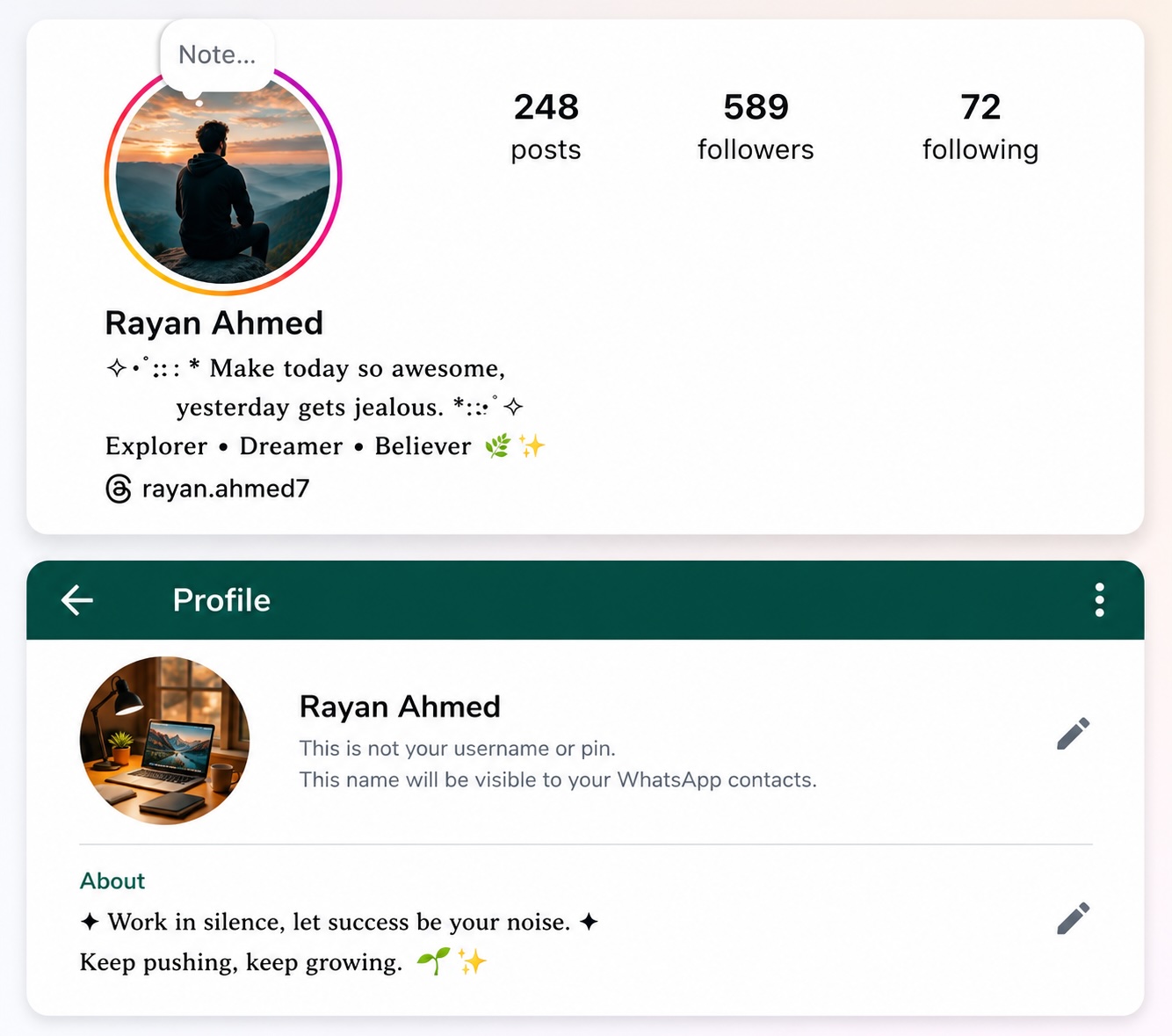
Instagram users often add text to their bios, captions and profile names. Script and bold styles can help make a name, hobby or short personal quote stand out.
Regular: Welcome to my world
Stylish: 𝒲ℯ𝓁𝒸ℴ𝓂ℯ 𝓉ℴ 𝓂𝓎 𝓌ℴ𝓇𝓁𝒹
You can also combine normal text with a decorative heading. This approach keeps your bio attractive and easy to understand.
Facebook Posts and Profiles
You can use stylish letters in Facebook posts, comments, profile descriptions, and short greetings. Bold and bubble styles can make your profile look unique and help highlight important words.
Regular: Welcome to my profile
Stylish: ⒲ⓔⓛⓒⓞⓜⓔ ⓣⓞ ⓜⓨ ⓟⓡⓞⓕⓘⓛⓔ
You can also use decorative letters for birthday greetings or special announcements. Keep longer posts in standard text so readers can follow your message easily.
WhatsApp Messages
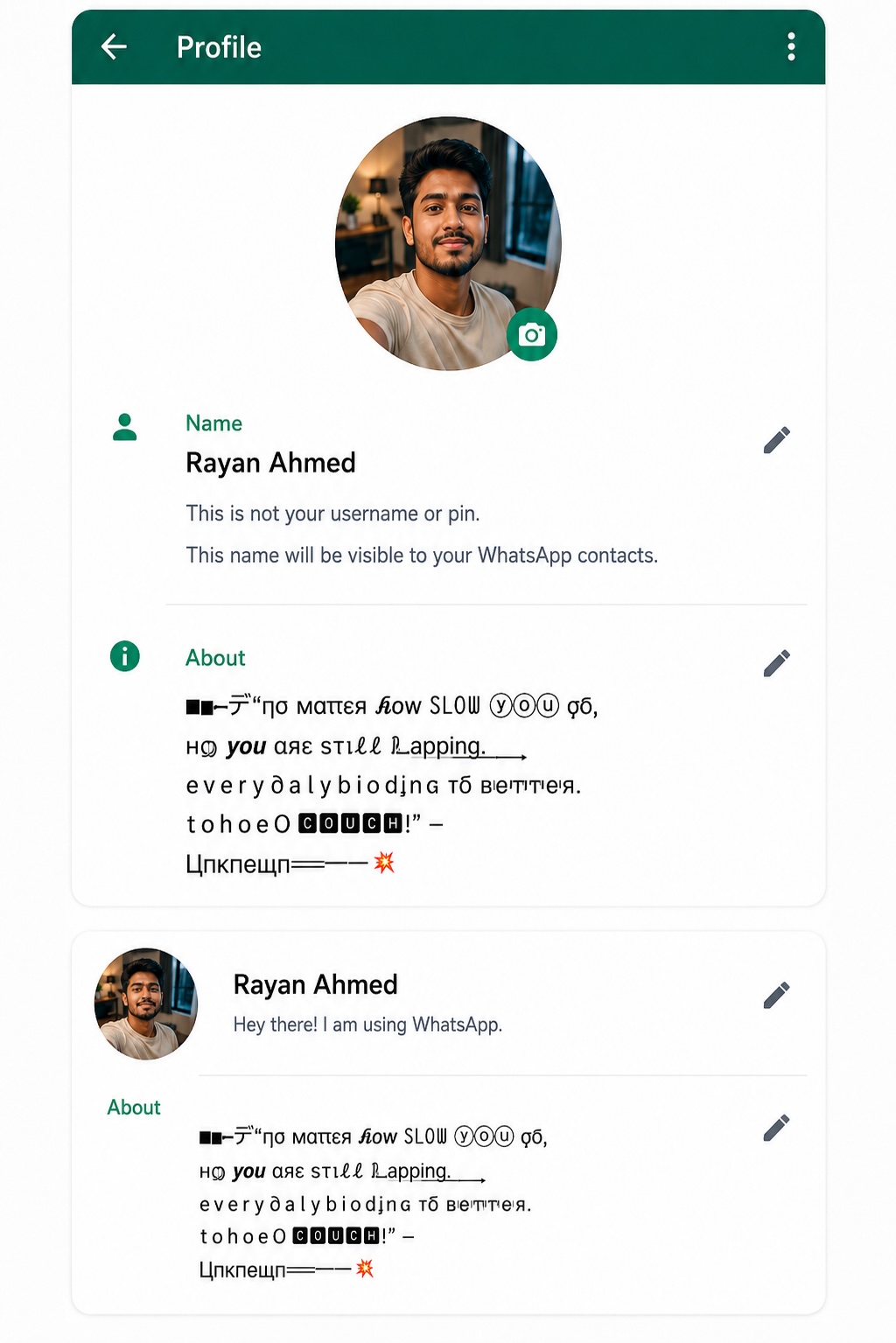
Fancy letters can add a personal touch to WhatsApp messages. They work well for greetings, contact names, group descriptions, and short status updates.
Regular: Have a nice day!
Stylish: 𝓗𝓪𝓿𝓮 𝓪 𝓷𝓲𝓬𝓮 𝓭𝓪𝔂!
You can also experiment with styles for birthday wishes, greetings or short status updates. Keep in mind that decorative characters do not work this way, as WhatsApp’s built-in formatting. Also some styles might appear depending on the device the person you're sending to is using.
Gaming Usernames
Many gamers enjoy using characters in their usernames. Gothic, bold and square styles can help many gamers create a username.
Regular: Shadow Gamer
Stylish: 𝔖𝔥𝔞𝔡𝔬𝔴 𝔊𝔞𝔪𝔢𝔯
You can also try designs to match your gaming style, such as bold, gothic or squared letters. However not every game accepts Unicode characters so check the game's rules before choosing a decorative design.
YouTube Descriptions
You can use text in YouTube channel descriptions, video descriptions and community posts. Decorative text, with a heading can separate different parts of a description and make key details easier to see.
Regular: Welcome to My Channel
Stylish: 𝑾𝒆𝒍𝒄𝒐𝒎𝒆 𝒕𝒐 𝑴𝒚 𝑪𝒉𝒂𝒏𝒏𝒆𝒍
You can use bold or script styles for short headings while keeping the main details in regular text. Always check how your description appears on mobile devices.
Benefits of Using Stylish Text
A text generator gives you many useful advantages for regular users. It lets you show your personality in ways without needing graphic design tools.
Easy to use
You can make text by typing just a few words and choosing a style. Most generators work in your web browser.
No font installation
Unicode characters let you copy and paste styles without downloading any font files. This makes it easy to use on both computers and smartphones.
Design choices
You can try bold italic script, Gothic, bubble and more. These options help you match the look of your text to the situation.
Useful for media
Decorative text helps make short captions, usernames and profile descriptions stand out. It gives you freedom to show your unique style.
Works across devices
Many Unicode characters show up on modern phones, tablets and computers. Support can be different depending on the operating system or app.
Tips for Choosing the Right Text Style
The best style depends on where you are going to use your text. What looks good in a name may not work well in a message.
Here are a few helpful tips:
- Choose designs: Make sure people can read your words easily. Don’t choose a style that makes your message hard to understand.
- Match the platform: Check if the app you want to use supports the characters. Some apps may not display them correctly.
- Keep it simple: Use one or two styles of combining too many designs. Much decoration can make things hard to read.
- Consider your audience: Pick a style that fits your personal profile, business page or gaming account. A formal style may suit a profile while a fun style works for games.
- Test before publishing: Paste your text into the app you plan to use and see how it looks. This helps avoid surprises.
- Avoid text for important details: Always use plain letters, for phone numbers, email addresses and other key information. People need to read these
These simple tips can help you make text that still stays easy to read.
Is a Fancy Text Generator Free to Use?
Many online text generators offer their basic features for free. You can usually enter text, explore different styles, and copy your favorite design without paying.
Some websites may display advertisements or offer extra features. Check the website's terms if it asks you to create an account or provide personal information.
You generally do not need to download anything to create simple decorative text. A browser and an internet connection are enough for most online tools.
Is Fancy Text the Same as a Font?
Fancy text and traditional fonts are different. A traditional font changes how your device displays ordinary letters, while many fancy text tools replace those letters with special Unicode characters.
For example a regular font changes how the word "Hello" looks. Doesn't change the actual letters. A Unicode text style might use characters that look like italic or bold versions of the letters.
This difference is why decorative text can work in apps that don't let you choose custom fonts.. It also means that some styles may not have a version, for every letter, number or symbol.
Frequently Asked Questions
1. What is a fancy text generator used for?
A fancy text generator changes words into special Unicode characters. You can use these characters in social media bios, captions, messages and usernames.
2. Can I Paste fancy text on my phone?
Yes you can. Paste special text styles, on Android and iPhone devices. However some apps might not support every Unicode character.
3. Do I need to download an app to create text?
No online text generators work directly in your web browser. You can type your text, choose a style and copy it without installing any software.
4. Can I use text on Instagram?
Yes, Instagram supports Unicode characters in bios, captions and other text sections. Some special styles might not display properly on every device.
5. Why do some fancy text appear as boxes?
Some devices and apps do not support every Unicode character. When a device cannot show a character it might appear as a box or another symbol instead.
Conclusion
A fancy text generator makes it easy to turn words into nice designs. You need not install fonts to try bold, script, Gothic, outline, bubble and a lot other styles.
These provide you custom styles for your Instagram bio, Facebook posts, WhatsApp messages, gaming usernames and other online profiles. To do this, pick styles that convey what you desire, keep your text scannable and make sure characters are compatible with devices before sharing.
With an imagination you can make your everyday messages look more personal and expressive. Try styles, copy your favorites and find the designs that fit you best.